Mobile device

Filter software based on your device:

Select your device
SwiftKey X

SwiftKey X
License:
Full Version
Language:
English
Developer:
OS:
Android
Updated:
See detailed info

Softonic review

James Thornton

“Type faster with this great predictive text app”

by James Thornton about SwiftKey X

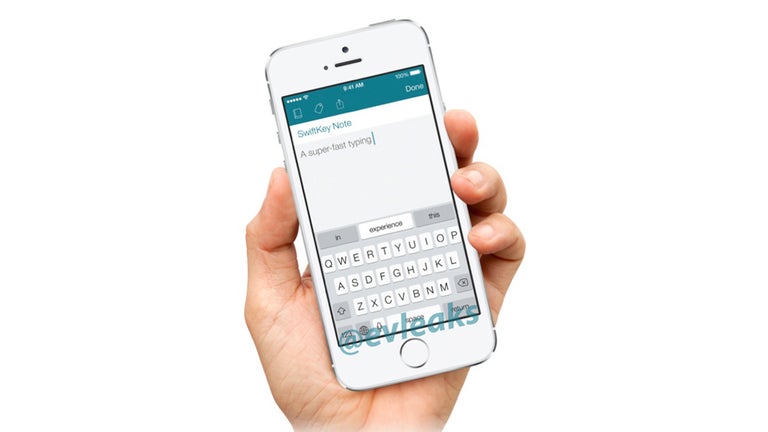
SwiftKey helps you type quicker on your Android touchscreen phone by predicting what you want to say.

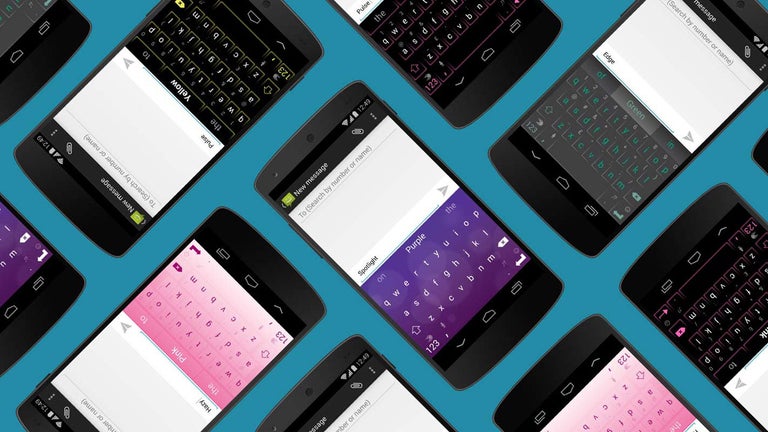
Setting up SwiftKey Beta is easily done, thanks to a handy start-up wizard. You'll need to download a language module from a choice of nine (see below for the full list), and enable SwiftKey as your default input method on your phone. Once you've done this you'll see a new on-screen keyboard whenever you send a message or enter text.

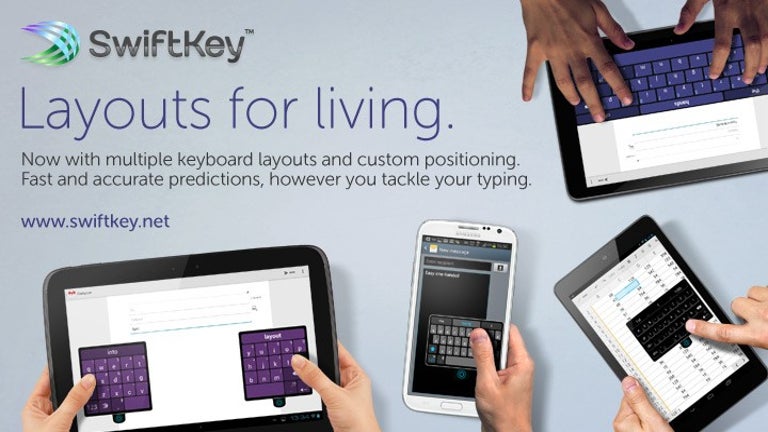
Keys are laid out in QWERTY format and are a bit thin for our liking. This is something that can't be customized, either. Luckily, this doesn't matter too much because thanks to the magic of SwiftKey you can afford to make mistakes when typing.

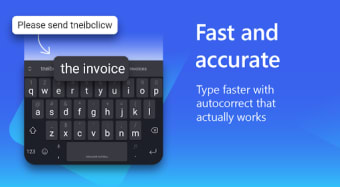
SwiftKey's predictive text engine is so powerful that it can generally guess the word you wanted within just two or three keystrokes. With every keystroke you make three possible words are suggested. You can select one by tapping or hit Space to go with the middle one, which is the one SwiftKey thinks is the most likely. There's a handy tutorial that explains exactly how SwiftKey works.

Part of the reason for SwiftKey's accuracy is that it looks at the history of your SMS messages to learn about the kind of words you use and the way you construct sentences. Of course, there are privacy concerns here, but the app is designed to scan for text only, as opposed to context.

We were very impressed with the speed at which SwiftKey lets you type. Even if you're prone to making spelling mistakes, the app is great at detecting and correcting them automatically.

Pros
  • Permits very fast typing speeds
  • Easy to set up
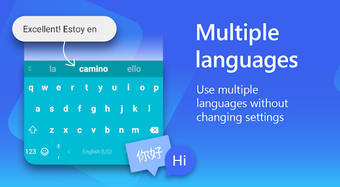
  • Supports nine languages
  • Helpful tutorial
Cons
  • Small keys
  • Keyboard isn't very customizable
Download SwiftKey X 2.2.0.121

SwiftKey X is virus free

We have analyzed the latest version of SwiftKey X with 30 antivirus engines and it is virus free. See analysis results.

TESTED VIRUS FREE - Softonic GUARANTEED

SwiftKey X (1) User reviews

  • Very good
  • 8/10
  • Matt Perkins Matt Perkins
    User reviews
    225

    SwiftKey is a nice replacement for android's stick touch keyboad. It ands simple things such as a more advanced spellchecker as well as an option to allow it to suggest works based on what you... More

    • Review of SwiftKey X - 01 Aug 2010
      This review is liked by 0 of 0
Your avatar
Review
  1. Maximum: 75 characters

  2. See example

Pros and Cons
Rate
  1. What rating would you give SwiftKey X?

    You need to fill in all fields

    • Usability:

      Not rated
    • Stability:

      Not rated
    • Installation:

      Not rated
    • Functionality:

      Not rated
    • Appearance:

      Not rated
    • Overall rating:

      Not rated
  2. Don't worry, we won't make your email address public.

You're not allowed to share serial numbers, cracks, etc. or link to pages that contain them. If you do, your user account will be deleted, your IP address logged and legal action will be taken.

Get started - just ask a question!

Write a title for your question.

Alternativesto SwiftKey X

  • In English:
    Angle Meter Touch
    Angle Meter Touch

    Easily measure angles with your phone

    Softonic rating:
    • 9/10
    User rating:
    • 10/10
  • Free:
    AutomateIt
    AutomateIt

    Great free automation app

    Softonic rating:
    • 9/10
    User rating:
    • 9/10
Compare with SwiftKey X
Download rank: General

70 of 168

Softonic rating:
  • Very good
  • 8/10
User rating: (1 rating)
  • Very good
  • 8/10
Your rating:
Your rating
  • 0

Review and rate this program

Blog posts about SwiftKey X

More

Top Downloads: General

  • United States
  • Global

  1. Control your PC or Mac remotely

Reviews of SwiftKey X in other languages